
Copy an ad you like
Rebuild the layout and mood of an ad you like around your own products.
Seen an ad you like? Copy an ad rebuilds its layout and mood around your own products, in your brand. The agent drafts two lookalike directions from it: one close to the original, one in your brand colours.
1. Add the reference ad
There are two ways to start.
From the New task screen. Click + New task, then Copy this ad under the message box. Upload, paste or drop a screenshot of the ad into the message box. It shows Reference image attached — we'll use it for Copy this ad. Send the message.
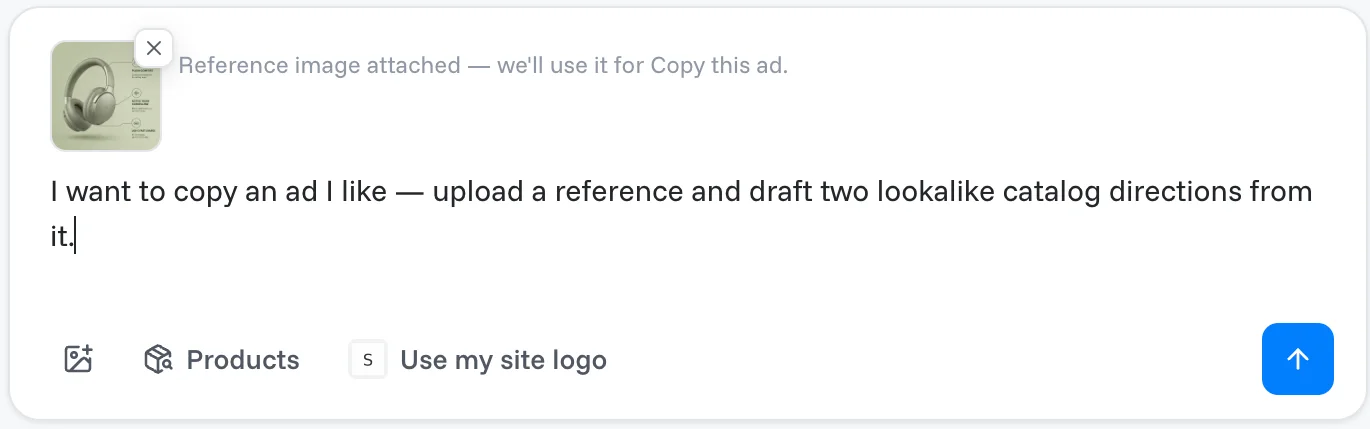
From Ideas to try. When there is room for it, Ideas to try also shows a Copy an ad card; click it. A new task opens where you can drop a PNG or JPG of the ad, paste a Meta Ad Library link and click Import, or click Use sample reference to try it out.
2. Pick the product
The agent uses your saved Brand DNA and collects your products. It then asks which product the lookalikes should feature. Click one of the products it offers. If your catalog is connected, they come from your catalog, and Browse my catalog opens the full list. You can also point it at a specific product or category page.
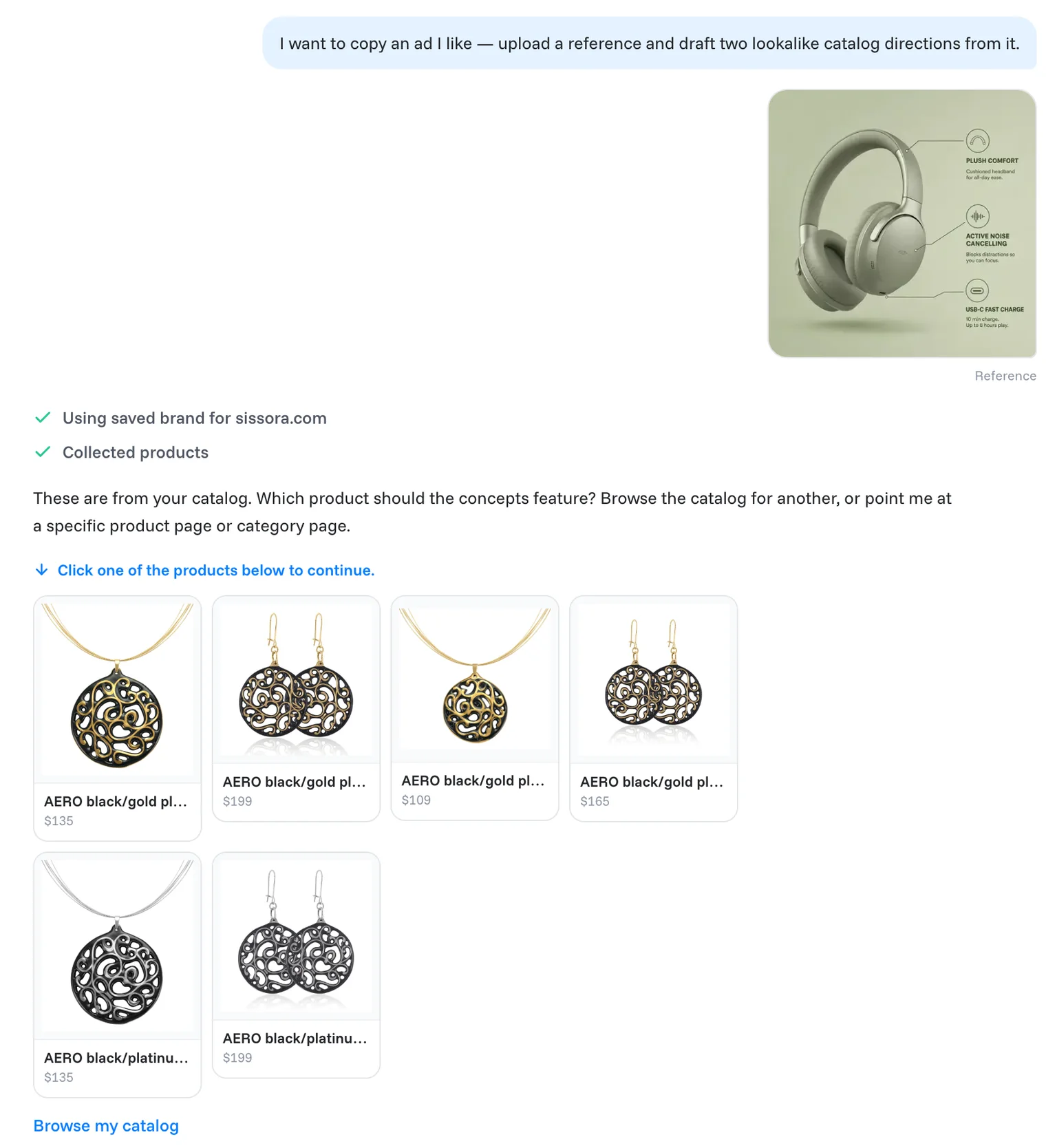
3. Get two lookalikes
The agent ticks off its steps (Scanned your site, Collected products, Seed product chosen, Prepared 2 lookalike directions, Generated 2 lookalike concepts) and shows two lookalikes:
| Lookalike | What it is |
|---|---|
| Close to this ad | The same layout energy as the reference. |
| Your brand colors | The reference layout, in your brand kit's colours. |
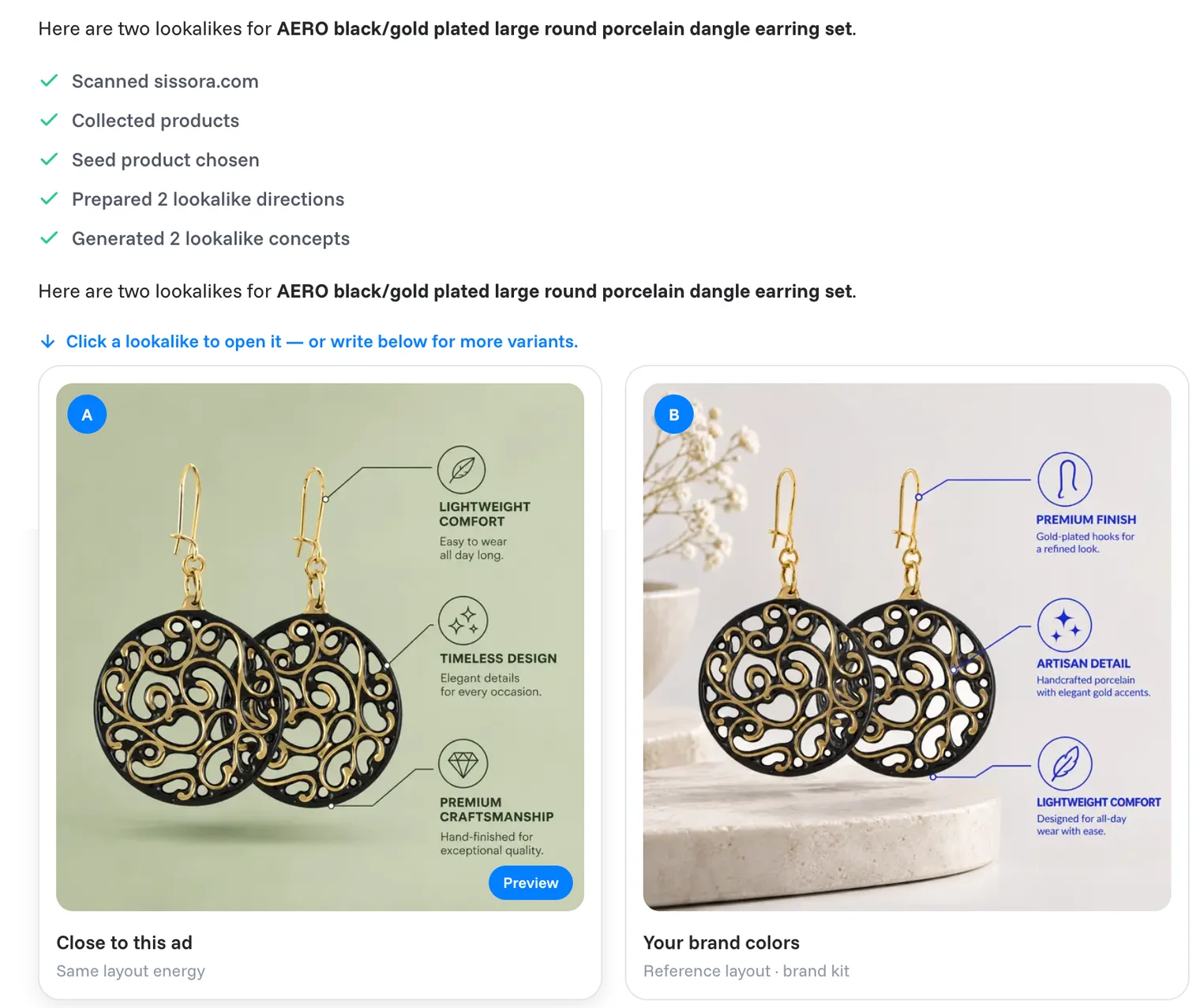
From here it works like any other task: click a lookalike to open it, refine it, and roll it out to more products. See Refine and regenerate creatives. Or write in the message box, and the agent redraws the lookalikes with your note.
Note
Two lookalikes cost 2 × 40 credits.
Tip
Use the ad as inspiration for layout and mood, not as a copy of someone else's brand. The agent puts your own products, logo and colours in it.
Related articles
Still need help?
Our team answers every message.