
Invoices and billing details
Where to find your invoices, and how to set the name, address and VAT number they are issued to.
Every payment on your account comes with an invoice. Go to Settings → Invoices to see them all. Invoices also arrive by email, with the PDF attached, the moment they are issued.
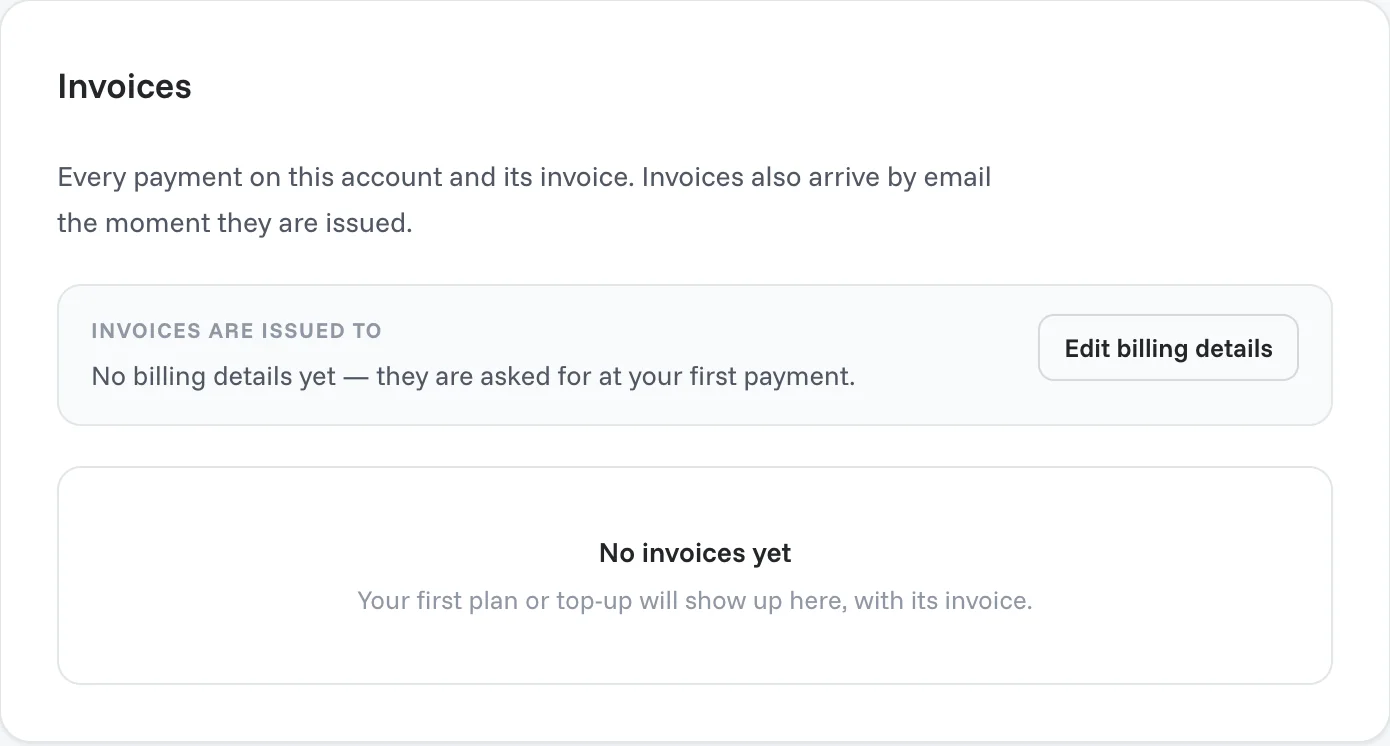
Set your billing details
You are asked for your billing details at your first payment. To set or change them:
- Go to Settings → Invoices.
- Under Invoices are issued to, click Edit billing details.
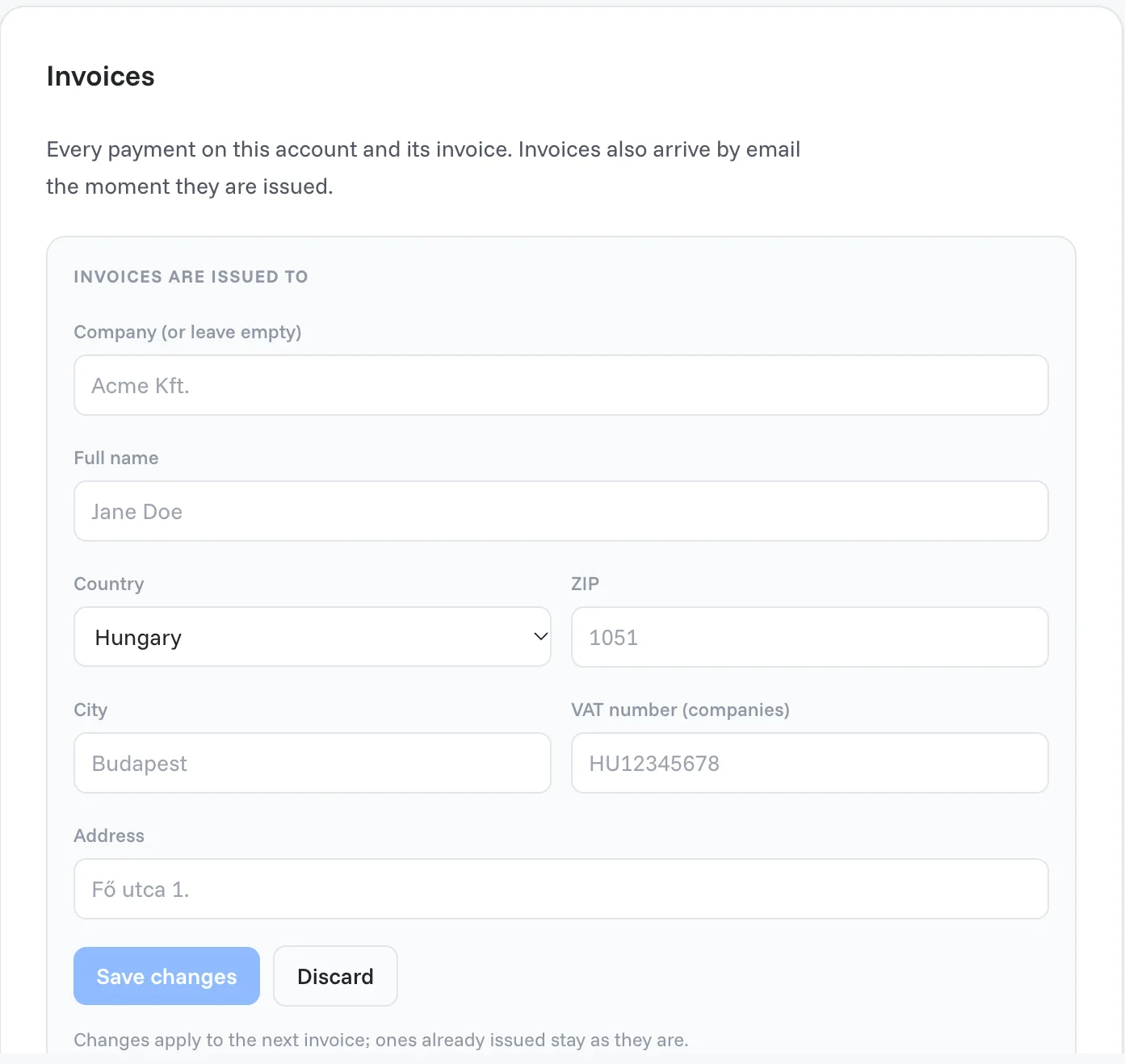
- Fill in the fields:
- Company: leave it empty if you buy as a private person.
- Full name
- Country, ZIP, City and Address
- VAT number: for companies.
- Click Save changes.
Note
Changes apply to the next invoice. Invoices that were already issued stay as they are.
Where invoices are sent
Invoices go to the email address you log in with. To change it, see Settings → Security → Email address.
Need a correction on an invoice that was already issued? Contact our team.
Related articles
Still need help?
Our team answers every message.