
Email notifications
Which emails OptiQube sends, which you can switch off, and which always arrive.
Go to Settings → Emails to choose which emails you get. Every email goes to your account's email address, and a change takes effect straight away.
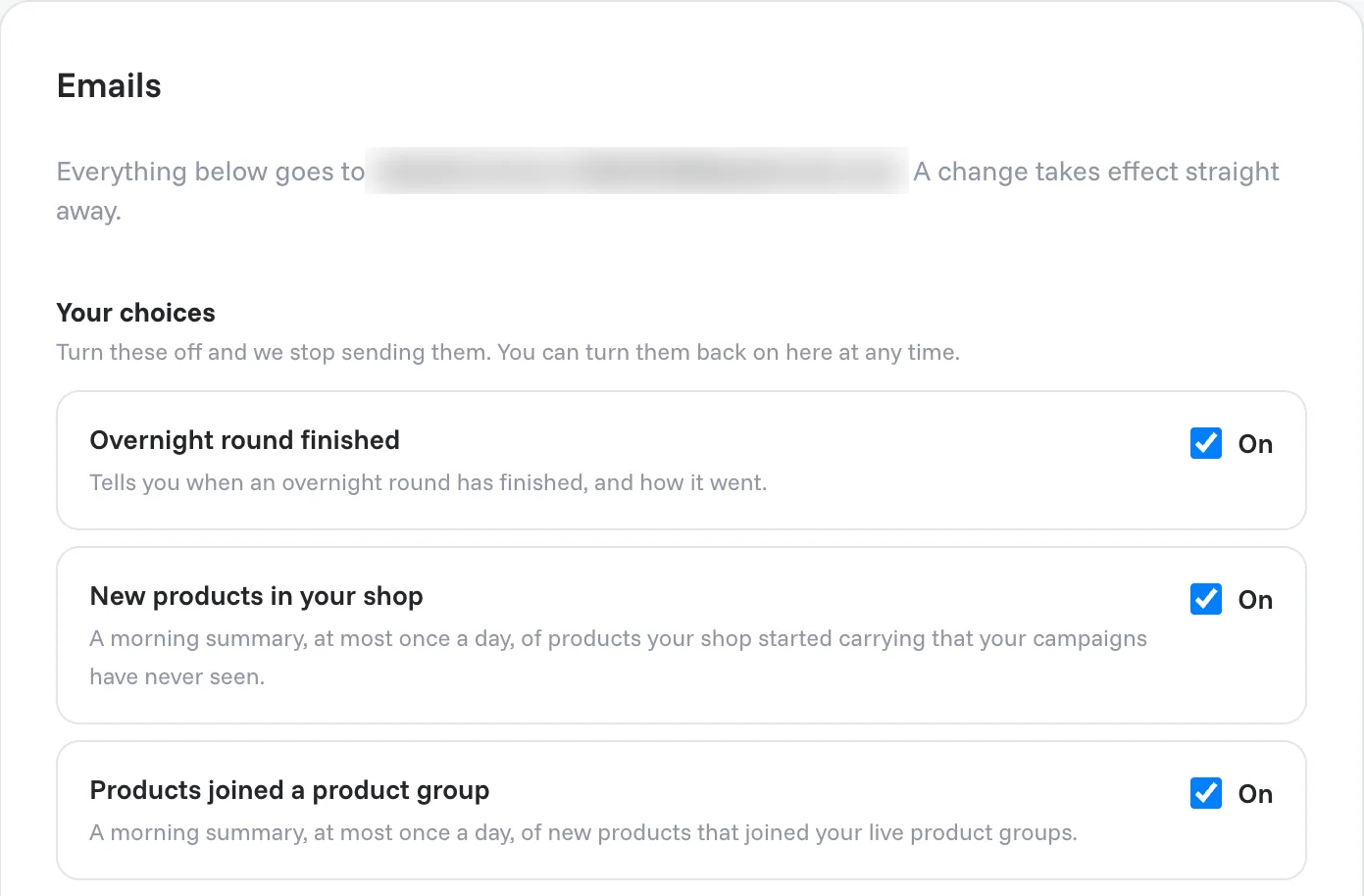
Emails you can switch off
Untick an email and OptiQube stops sending it. You can turn it back on here at any time.
| What it is | |
|---|---|
| Overnight round finished | Tells you when an overnight round has finished, and how it went. |
| New products in your shop | A morning summary, at most once a day, of products your shop started carrying that your campaigns have never seen. Under Which campaigns to watch, pick the campaigns it covers. |
| Products joined a product group | A morning summary, at most once a day, of new products that joined your live product groups. |
A product group is a saved selection of products: select products on the Products page and click Save as product group. See Browse your products.
Emails that are always sent
These are part of having an account. They arrive whatever you choose above, and each one says why.
| Why it is always sent | |
|---|---|
| Confirm your email address | Proves the address is yours, so the other emails can reach you. |
| Confirm your new email address | Confirms a new address before your account moves to it. |
| Password reset link | Your way back in if you lose your password. |
| Team invitation | Goes to the person you invited, telling them how to join. |
| Invoice | Your receipt, with the invoice attached as a PDF. |
| Credits about to expire | Credits you paid for should never disappear without notice. |
| Plan renews soon | Sent before your plan renews and your card is charged. |
Related articles
Still need help?
Our team answers every message.