
Personal details and appearance
Change your name, and switch OptiQube between light and dark mode.
Your personal details and the look of the app are under Settings → Personal details. To get there, click your name in the bottom-left corner and choose Settings.
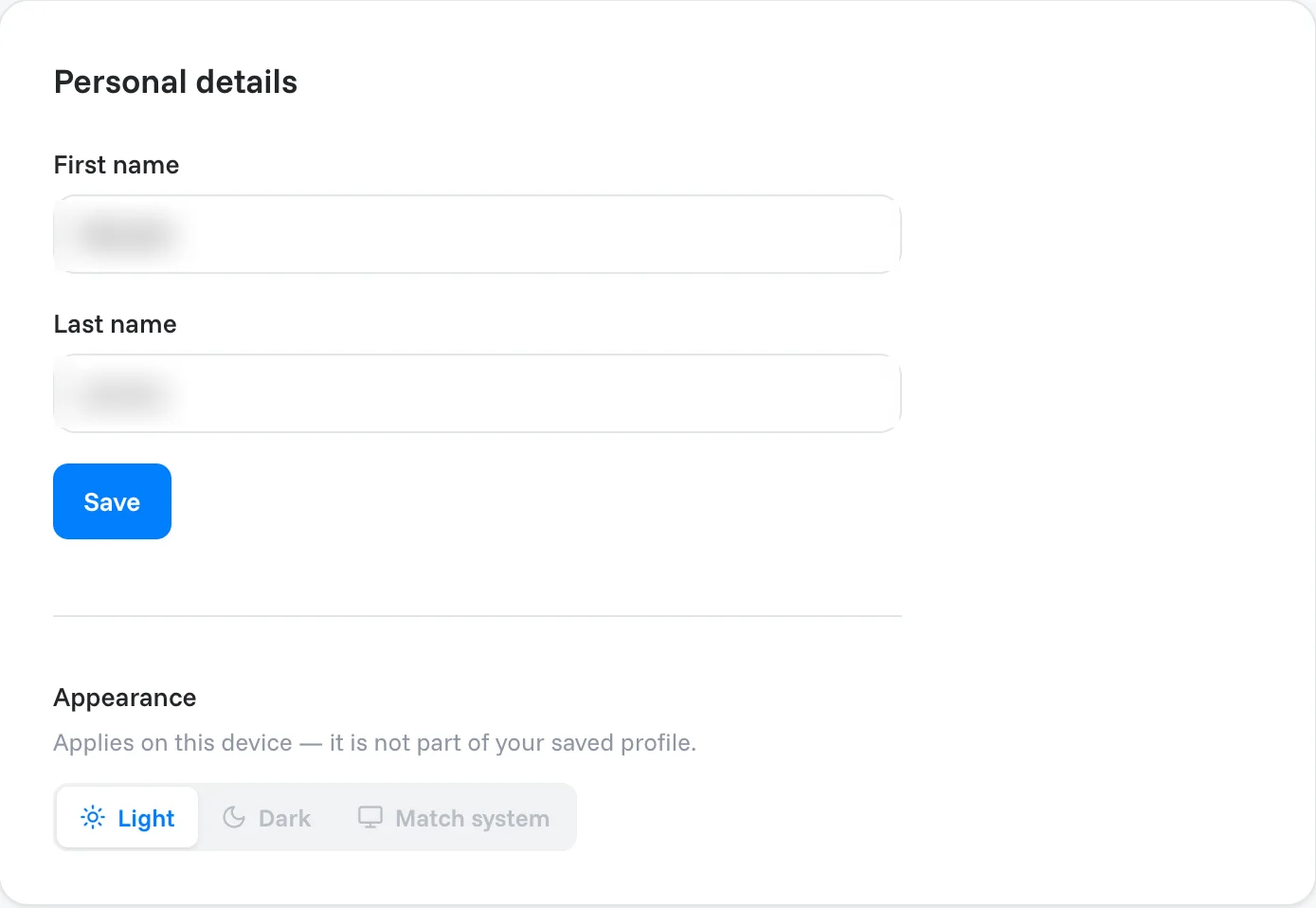
Change your name
- Edit First name and Last name.
- Click Save.
Light or dark mode
Under Appearance, choose Light, Dark or Match system. Match system follows your computer's setting.
Note
Appearance applies on this device only; it is not part of your saved profile. On another computer or browser, set it again.
Related articles
Still need help?
Our team answers every message.