
Step 2 of 8
Start a new task
Describe the catalog campaign you want, then answer a few short questions from the agent.
A task is a conversation with the OptiQube agent. You describe the catalog ads you want in your own words, and the agent drafts creative concepts for your store.
What to do
- Click + New task in the left sidebar.
- Describe the campaign in the box under What should we create for…? For example: "Autumn catalog ads for our running shoes: warm outdoor lifestyle scenes, English ad copy."
- Click the arrow button to send it.
Not sure what to write? Click one of the buttons under the box: General catalog ad, Seasonal catalog ad or Copy this ad. They fill in a starting sentence that you can edit before sending.
Tip
Under the prompt box you can also attach a reference image. Your logo goes on the creatives automatically, based on your Brand DNA.
Answer the agent's questions
The agent asks a few short questions before it starts. Pick one of the suggested answers, or type your own in the box at the bottom.
- What kind of catalog ads? General, Seasonal, or Copy this ad.
- Which season? For seasonal ads: Halloween, Black Friday, Christmas and so on. You can type any season, or click Skip — you choose.
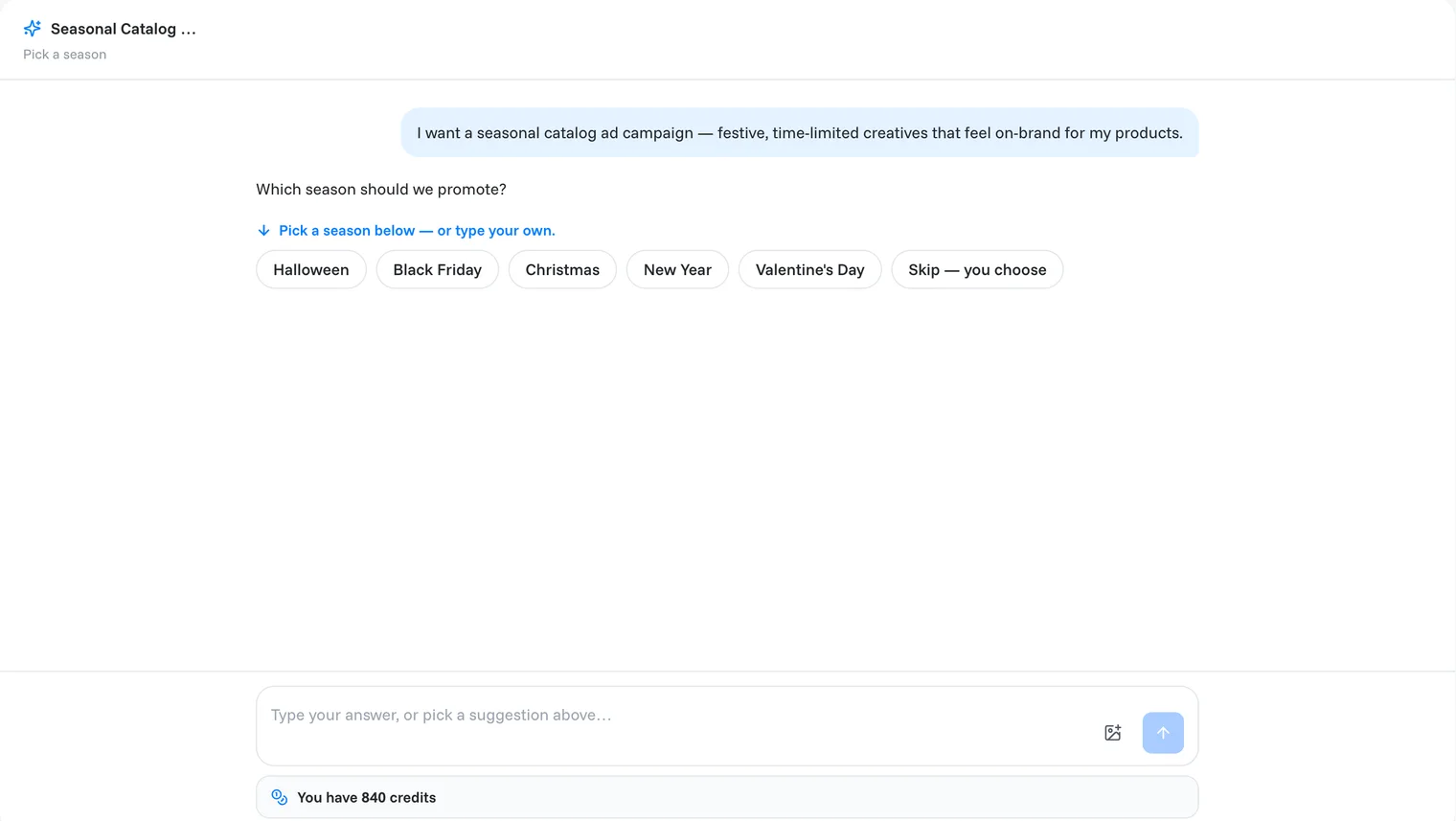
OptiQube names the task for you, and it appears under Recents in the sidebar so you can come back to it any time. After it reads your store, the agent asks which product to build on.
Done when
the agent has your answers and asks which product to feature.
Related articles
Still need help?
Our team answers every message.